- Open Your VLC media player and then open a movie file

- Now Click on the view option then select Advanced Controls

- Now Which Seen You what take Picture click on the camera icon

- After click you can see the screen shots
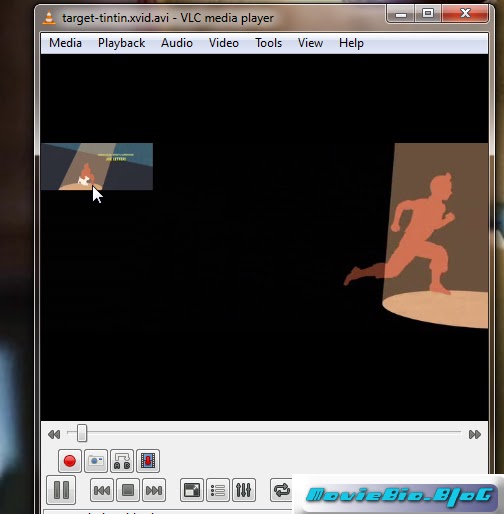
- All Done Now You Can Take More Pictures with VLC
No comments:
Post a Comment